Desk Notes
The Office Tech We Use Every Week — and What We’d Skip
Office technology has a strange way of multiplying.
One monitor becomes two. A webcam becomes a camera. A keyboard becomes three keyboards.
Soon your desk is full of equipment you aren't entirely sure you need.
The useful question isn't "What's the newest office technology?" It's:
What actually makes work easier?
Here are the categories we'd prioritize.
A Reliable Laptop
Everything starts here.
Whether you're working from home, traveling, or moving between meeting rooms, your computer is likely the center of your workflow.
The best choice depends on the software you use, how portable you need it to be, and how long you expect to keep it.
A Good Monitor
A larger external monitor can make multitasking easier.
You can keep a document open while working on something else, compare information side by side, or simply avoid constantly switching between windows.
You don't necessarily need the largest display available. You need enough space for the work you actually do.
A Comfortable Keyboard
If typing is a major part of your job, your keyboard deserves some attention.
Comfort and layout matter more than whether the keyboard is currently trending online.
A Reliable Mouse
The same principle applies to your mouse.
A comfortable shape and responsive tracking can make everyday computer work easier.
It's another piece of equipment where personal preference matters.
A Good Webcam
Video meetings are now part of normal office life for many people.
You don't necessarily need a professional camera.
But a reliable webcam with decent image quality can make meetings feel more polished.
Good lighting may actually matter just as much.
Headphones
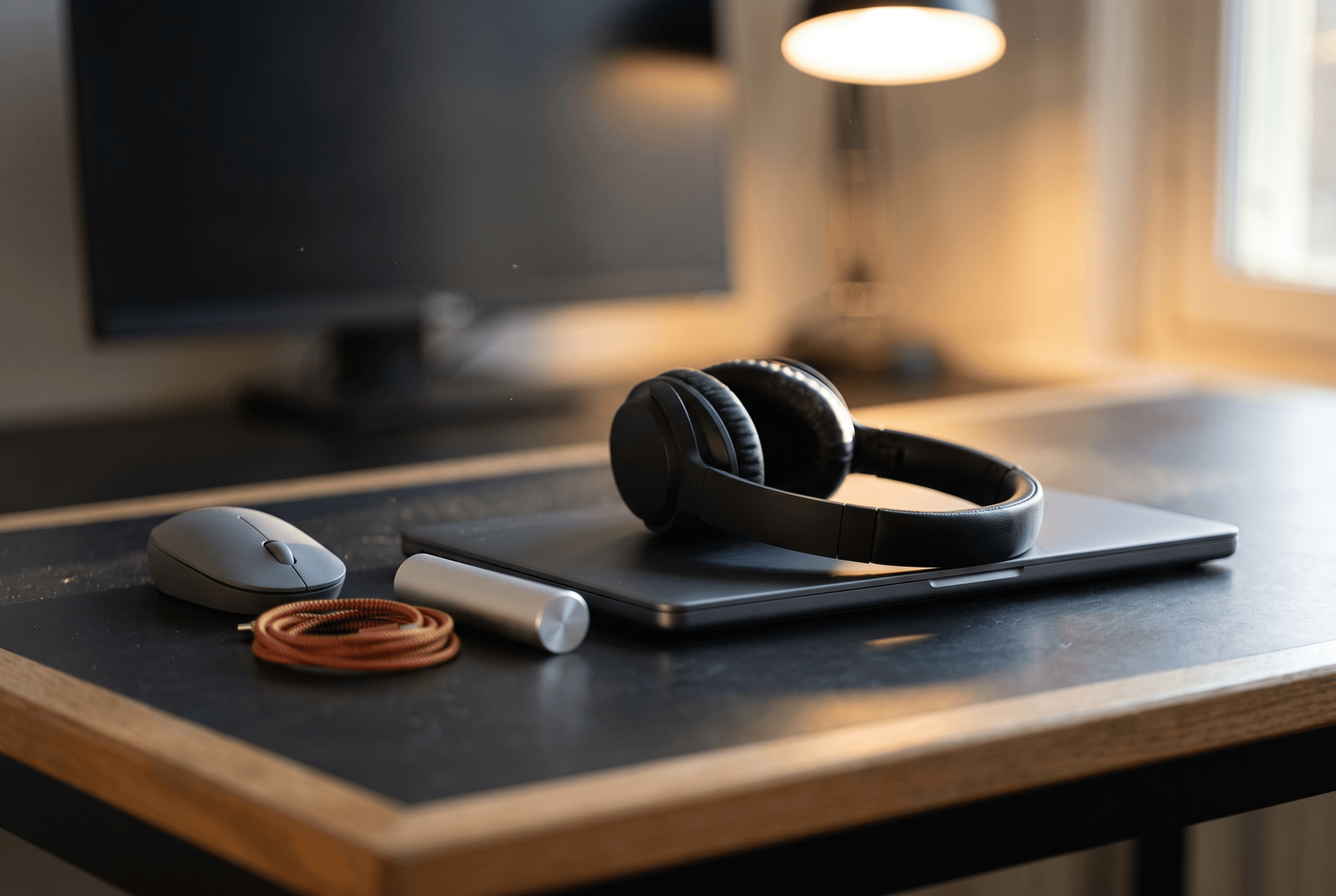
Headphones have become one of the most useful pieces of office technology.
They can signal focus. They can make calls easier. They can reduce some environmental noise. And they can create a sense of separation when working in a shared space.
A Docking Station
If you're constantly connecting and disconnecting monitors, chargers, drives, keyboards, and other accessories, a docking station can simplify the process.
One connection can handle multiple peripherals.
For people who move between laptop and desk setups, that convenience can be valuable.
A Portable Charger
Not everything needs to stay at your desk.
A compact power bank can be useful when you're working away from an outlet or traveling between meetings.
What We’d Skip
This is where things get interesting.
Not every piece of office technology solves a real problem.
You probably don't need a gadget for every part of your workflow. You may not need three different keyboards. You may not need a giant collection of smart desk accessories. And you definitely don't need to buy something simply because it appeared in a workspace video.
The Best Tech Disappears
The best office technology tends to become invisible.
You open your laptop. The monitor works. The keyboard feels comfortable. The webcam connects. The headphones pair.
You don't think about any of it. That's a good sign.
The Bottom Line
Technology should reduce friction.
If a device adds setup time, maintenance, or distraction without providing a meaningful benefit, it probably isn't improving your workspace.
Buy for the problems you have. Not the gadgets someone else owns.